Loading...
Searching...
No Matches
Plotly.cpp API Documentation


Overview
Plotly.cpp brings the power of Plotly.js to C++. This library provides a modern C++ interface for creating interactive data visualizations with real-time updates, event handling, and export capabilities.

Plotly.cpp Demo
Key Features
- 🔗 Plotly.js API Mapping - Translation of most Plotly.js methods
Plotly.js API Mapping
- 🎨 Advanced Visualizations - Rich variety of plot types. See gallery for more examples.

Advanced Visualizations
- ⚡ Real-Time Updates - Stream data with smooth animations and live updates
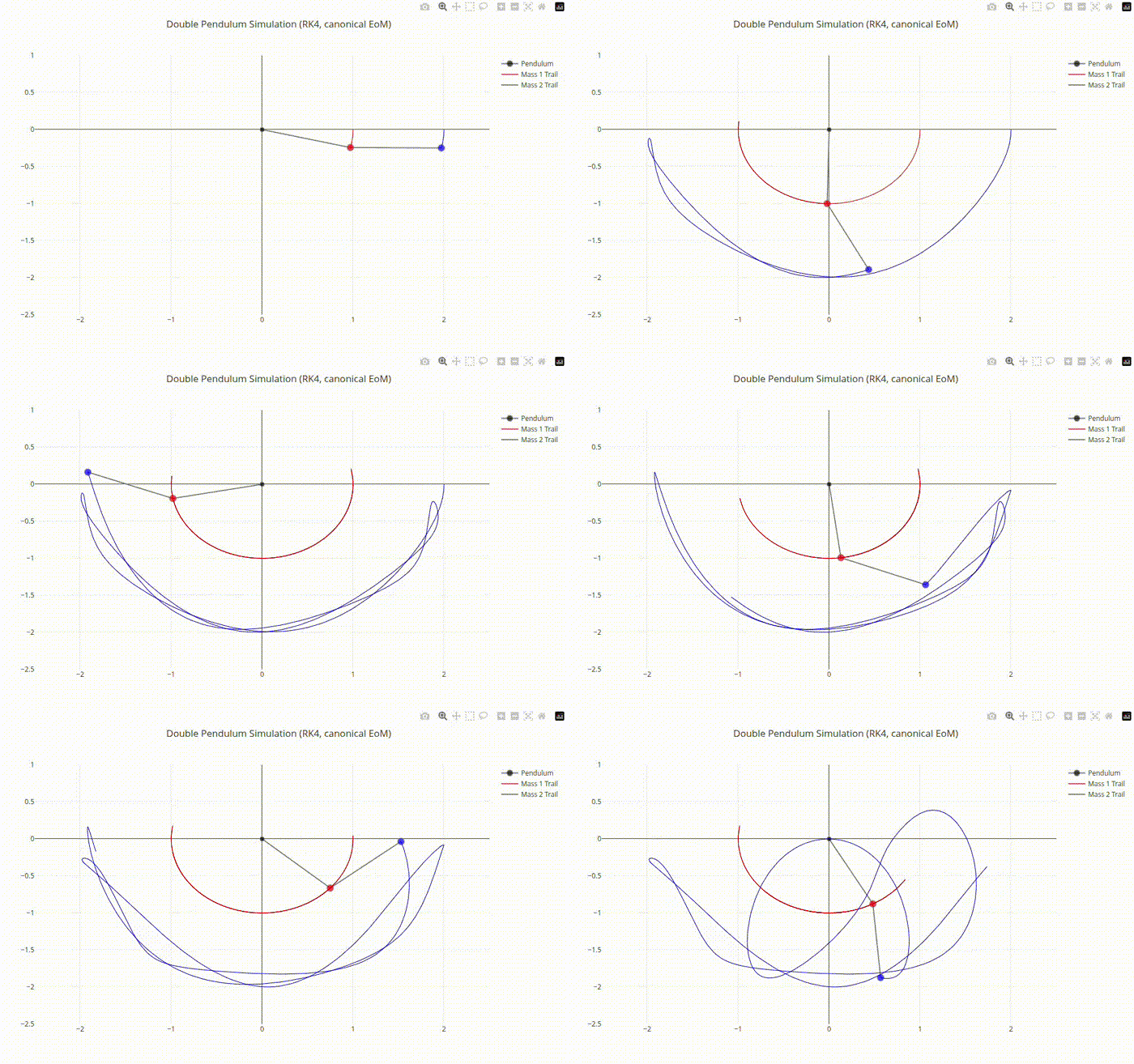
Real-Time Updates
- 🔄 Bidirectional Events - Handle user interactions from C++
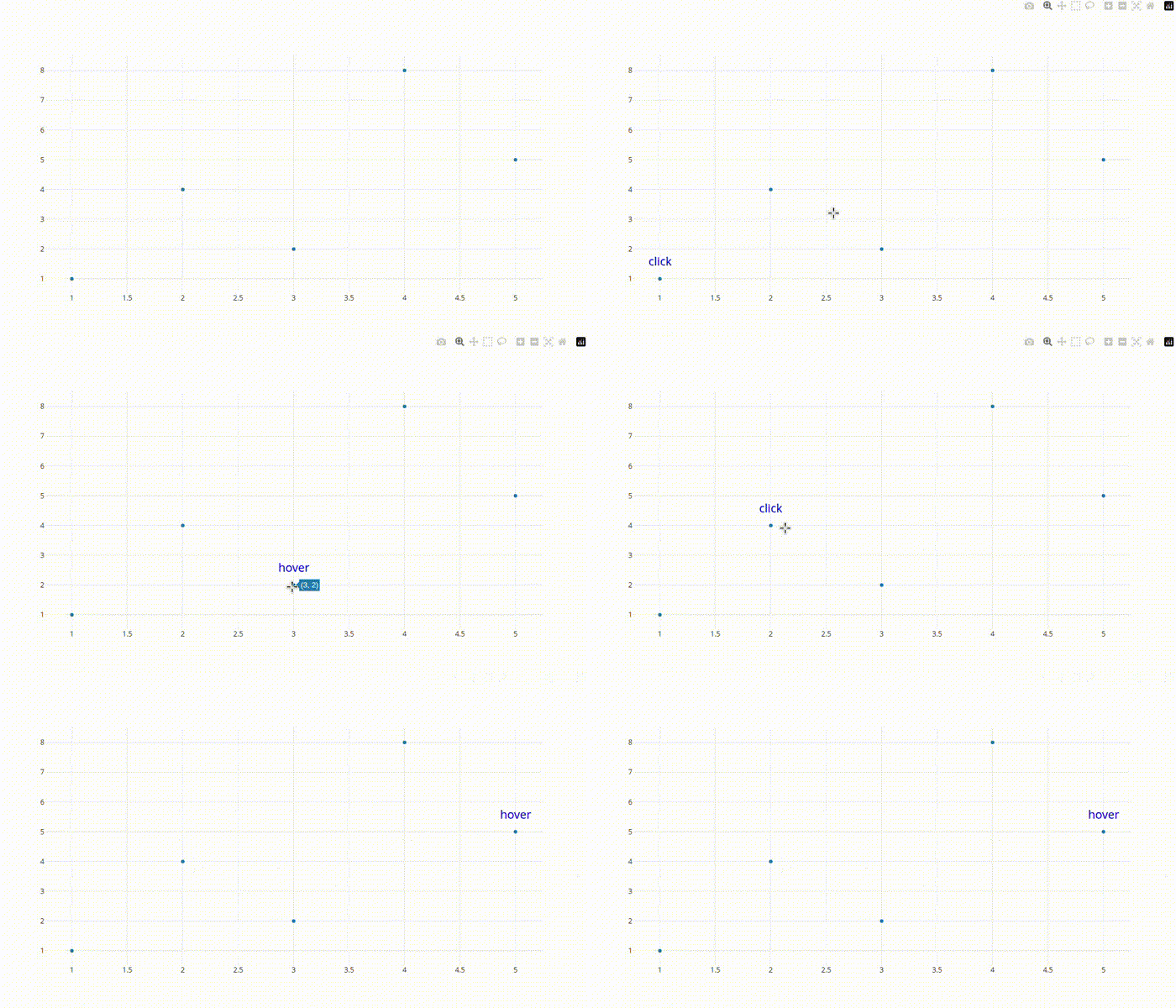
Bidirectional Events
Installation & Quick Start
Prerequisites
- Ubuntu Linux (tested platform)
- Chrome/Chromium browser
- C++17 or higher
Installation
Install from deb package (Recommended)
wget https://github.com/yhisaki/plotly.cpp/releases/download/v0.1.0/libplotly-cpp-0.1.0-Linux.deb
sudo apt install ./libplotly-cpp-0.1.0-Linux.deb
Install from FetchContent
Add to your CMake project using FetchContent:
include(FetchContent)
FetchContent_Declare(
plotly-cpp
GIT_REPOSITORY https://github.com/yhisaki/plotly.cpp.git
GIT_TAG v0.1.0
)
FetchContent_MakeAvailable(plotly-cpp)
Usage
After installation, add the following to your CMakeLists.txt:
find_package(plotly-cpp REQUIRED)
target_link_libraries(your_target plotly-cpp::plotly-cpp)
Dependencies
Plotly.cpp requires the following dependencies:
- nlohmann/json - JSON serialization/deserialization. You can install it by sudo apt install nlohmann-json3-dev.
Architecture
The library uses a client-server architecture:
- C++ Backend - Your application using plotly::Figure
- WebSocket server for real-time communication
- HTTP server serving the web frontend
- JSON-RPC protocol for structured messaging
- JavaScript Frontend - Browser-based rendering engine
- Plotly.js runtime for visualization
- Event bridge for user interactions
You can find more details in Architecture Overview.
Simple Example
#include "plotly/plotly.hpp"
int main() {
plotly::Figure fig;
fig.openBrowser();
std::vector<double> x = {1, 2, 3, 4, 5};
std::vector<double> y = {1, 4, 2, 8, 5};
plotly::Object trace = {
{"x", x}, {"y", y},
{"type", "scatter"},
{"mode", "lines+markers"}
};
fig.newPlot(plotly::Array{trace}, layout);
fig.waitClose();
return 0;
}
void waitClose() const
Wait until the figure is closed (no client connected).
Definition plotly.cpp:406
auto newPlot(const Object &data, const Object &layout=Object(), const Object &config=Object()) -> bool
Create and render a new plot.
Definition plotly.cpp:408
auto openBrowser(bool headless=false) -> bool
Open the figure in the browser.
Definition plotly.cpp:529
Public Plotly C++ API header.

Hello World
Core Classes
| Class | Description |
|---|---|
| plotly::Figure | Main plotting interface - your primary entry point |
| plotly::Object | JSON-compatible data container (nlohmann::json alias) |
Essential Methods
| Method | JavaScript Equivalent | Purpose |
|---|---|---|
| plotly::Figure::newPlot() | Plotly.newPlot() | Create new plot |
| plotly::Figure::update() | Plotly.update() | Update data & layout |
| plotly::Figure::extendTraces() | Plotly.extendTraces() | Stream real-time data |
| plotly::Figure::on() | Event listeners | Handle user interactions |
For complete examples and advanced usage, visit the project repository.
